
Reference

bsa88 App — Play From Any Device

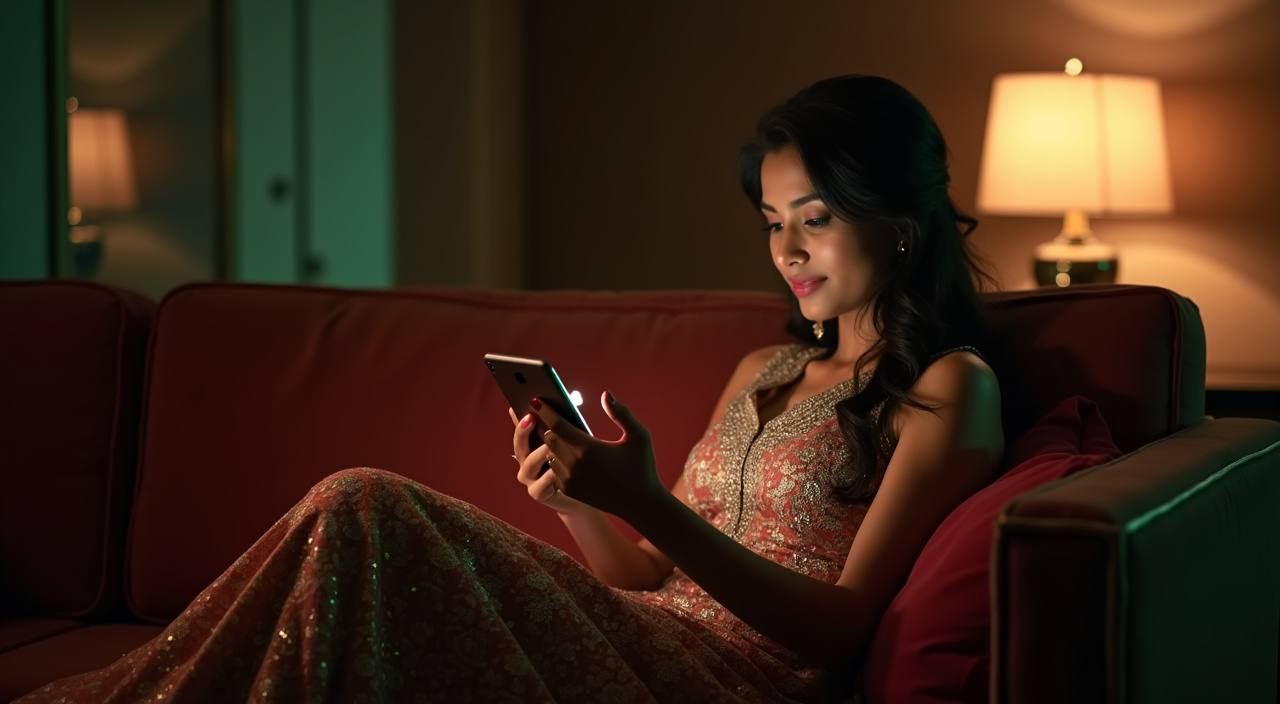
bsa88 runs in your mobile browser the moment you open the site — no waiting, no extra steps. Whether you're in Dhaka or anywhere else in Bangladesh, the lobby loads fast on Android and iOS. Access depends on your local law and eligible regions.

mobile browser readyAndroid & iOS accessavailability check on siteaccount wallet accesscricket & live casino
bsa88 bsa88 App — Play From Any Device
APP FEATURE SET

Four Things the Mobile Build Gets Right

The bsa88 mobile experience is shaped around speed and account control — here is what that looks like in practice.

Fingerprint Login Skip the password on return visits. Your device biometric unlocks the account in under a second, keeping your session secure without the friction of typing credentials each time.
Push Notifications Get an alert when your deposit confirms or a live table you follow opens a seat. Notifications are opt-in and managed from your account settings inside the app.
Dark Mode Display The interface switches to a dark palette automatically when your device is in dark mode, cutting glare during late-night sessions without any manual toggle needed.
Offline Lobby Preview The game grid caches on your device so you can browse titles and check RTP info — where the provider exposes it — even on a patchy connection before you load a table.
DEVICE COMPATIBILITY

What Devices and Browsers Work

bsa88 is designed to run on the devices Bangladesh players actually use — here is how to check whether yours is covered.

Method Payout time Speed
Android browsers Chrome and Firefox on Android are fully supported. The mobile lobby has been tested on mid-range devices common in Bangladesh; no specific RAM or storage figure is required. Fast
iOS browsers Safari on iPhone works without any additional setup. Chrome on iOS also loads the lobby correctly. Check that iOS is reasonably current if you see rendering issues. Fast
Screen layout The lobby reflows to a single column on screens under 768px. Landscape mode is supported for live table streaming, which some players prefer for Evolution games. Medium
Account requirements A verified bsa88 account is required before any game loads on mobile. Verification takes a phone number and a working bKash, Nagad or Rocket wallet for the first deposit. Medium
Currently supported devices The site lists confirmed compatible devices in the Help section of your account. If your device is not listed, the browser version is the most reliable compatibility check. Slow
bsa88 Everything the Mobile Experience Adds

Everything the Mobile Experience Adds

Open bsa88 on your phone and the lobby snaps into a single-column layout built for thumbs. Live tables from Evolution stream without lag, and slot rooms — including Crash Wildspin and Gates of Olympus — load in seconds. The mobile experience adds push notifications so you know when a table seat opens or a deposit clears. Quick deposit puts your bKash or

Nagad payment two taps away from the cashier screen. Fingerprint login means you skip the password every time you return. The betslip stays pinned at the bottom so you can track your cricket markets while browsing slots.

bsa88 Mobile Access in 3 Steps

Mobile Access in 3 Steps

Getting into the bsa88 lobby on your phone takes less than a minute. There is no APK to sideload and no app-store listing to hunt for — the site itself is the app. Open your browser, head to bsa88, and the mobile layout loads automatically. Chrome on Android and Safari on iOS both work without any extra configuration. Sign in with your

account credentials or use fingerprint login if you have already enabled it. If you are new, the account registration form is the same on mobile as on desktop — fill in your details, verify your number, and your wallet is ready for a bKash or Nagad deposit straight away.

  • Open the current site — Go to bsa88 in your mobile browser — Chrome, Safari or any modern browser works. The site detects your screen and loads the mobile layout automatically.
  • Check browser compatibility — If the lobby does not load correctly, make sure your browser is up to date. Clearing the cache usually resolves display issues on older Android builds.
  • Sign in securely — Enter your credentials or use biometric login. New accounts go through a quick number verification before the wallet activates.
  • Confirm deposit method — Head to the cashier and select bKash, Nagad or Rocket. Send to the account number shown, confirm with your PIN, and the balance appears in your wallet.

Common Questions About the bsa88 App

Here are the questions we hear most from Bangladesh players about mobile access and the bsa88 app experience.

Check the bsa88 site directly for the current status of any native build. The mobile browser version covers the full lobby in the meantime, with no download needed.

Go to your account settings after signing in on mobile. The biometric login option appears under Security — enable it once and your device handles authentication on every return visit.

Yes, on Android Chrome you can add the site to your home screen and enable notifications from the browser prompt. iOS support depends on your Safari version and device settings.

Yes. Open the cashier from the mobile menu, select bKash, and the account number to send to appears on screen. Confirm with your bKash PIN and the balance updates in your wallet.

Both are available on mobile. The sportsbook covers BPL and international cricket markets, and live tables from Evolution stream in the same mobile layout as the slot rooms.

Update your browser first, then clear the cache. If the issue continues, the bsa88 support channel can confirm whether your device and browser combination is currently supported.
Reference

bsa88 App

Service availability depends on eligible regions and local law. Users should check local rules before opening an account.

Access may be available only where local law permits.